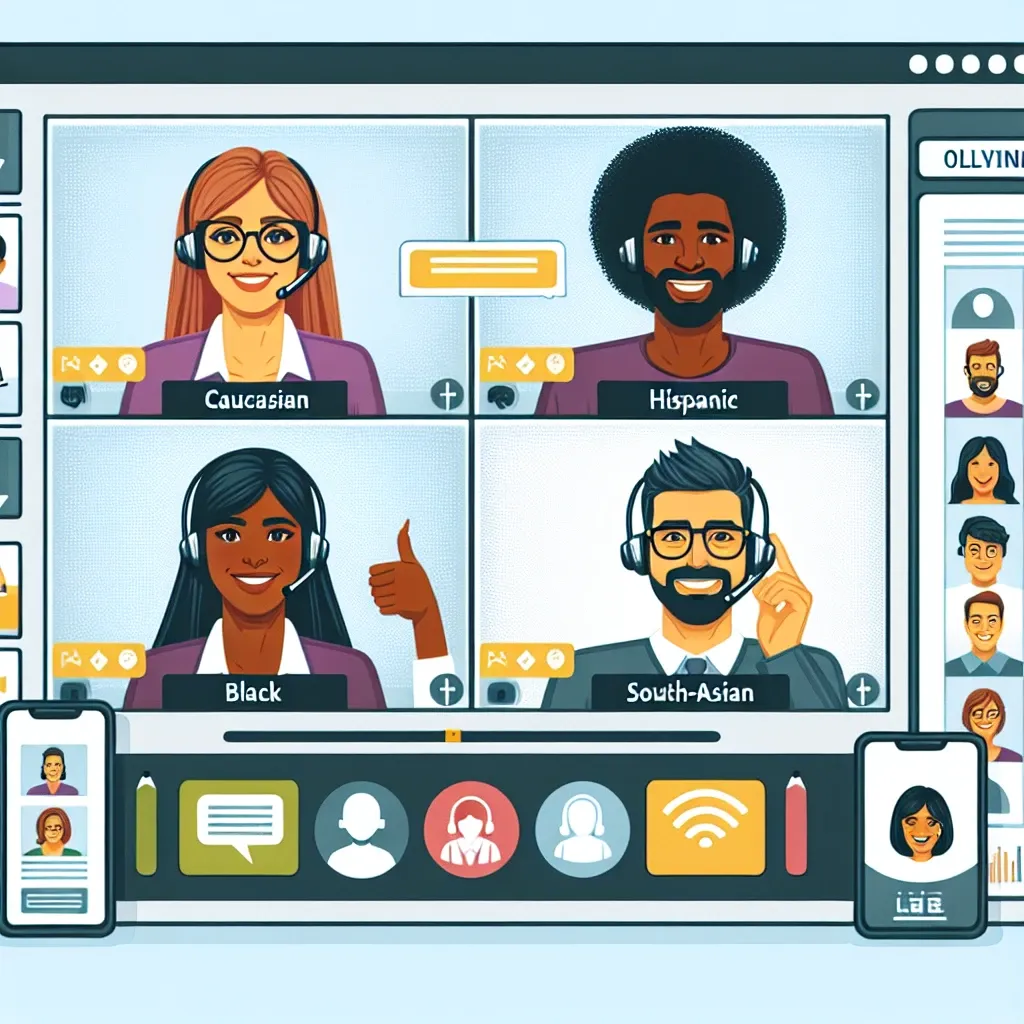
The landscape of communication has significantly evolved, especially with the rise of online meetings. Whether it’s for remote work, virtual events, or casual catch-ups, enhancing your online meetings is crucial for productivity and effective collaboration. Here are some essential tech tips to help you elevate your online meeting experience.
1. Choose the Right Platform
The first step to a successful online meeting is to select the right platform. Evaluate features such as:
- Video Quality: Ensure high-definition video for clearer visuals.
- Screen Sharing: The ability to share screens effortlessly is vital for presentations.
- Recording Options: Check if the platform can record meetings for future reference.
2. Invest in Quality Equipment
Your equipment plays a significant role in creating a seamless meeting experience. Consider upgrading with:
- Microphone: A good quality microphone will ensure your voice is clear and audible.
- Camera: A high-definition webcam enhances your visual presence.
- Headphones: Invest in noise-canceling headphones to minimize distractions.
3. Optimize Your Internet Connection
A stable internet connection is crucial for uninterrupted meetings. Follow these tips:
- Wired Connection: Whenever possible, use a wired connection instead of Wi-Fi for better stability.
- Close Unnecessary Applications: Limit the bandwidth usage by shutting down unused applications.
- Check Speed: Regularly check your internet speed to ensure it meets the requirements for online meetings.
4. Create a Professional Environment
Your background during a video call can impact the professionalism of your meeting. Consider these tips:
- Declutter: Keep your space tidy and free of distractions.
- Lighting: Natural light is ideal; position your setup accordingly, or use soft lighting for a warm effect.
- Neutral Background: A plain background reduces distractions and keeps the focus on you.
5. Prioritize Engagement
Maintaining engagement can be challenging during virtual meetings. Try these strategies:
- Use Interactive Tools: Utilize polls, Q&A sessions, or breakout rooms to engage participants.
- Set Ground Rules: Encourage participants to mute themselves when not speaking to minimize background noise.
- Encourage Participation: Actively invite input and feedback from all attendees to create an inclusive atmosphere.
6. Follow Up After Meetings
Ensure the effectiveness of your meetings by following up:
- Send Meeting Notes: Circulate notes summarizing key points and action items.
- Request Feedback: Ask participants for their thoughts on the meeting’s effectiveness and areas for improvement.
- Plan Next Steps: Clearly outline the next steps and responsibilities to keep the momentum going.
By implementing these tech tips, you can significantly enhance the quality and effectiveness of your online meetings. Empower yourself and your team with the tools and strategies needed for productive virtual interactions.
Leave a Reply